• Free
  • No sign-up
  • No chat

Shh. We’re studying together.

A free virtual study room. Sit down in a hall of 28 desks with students from around the world, or open a private room for the friends you already know. No chat, no camera, no sign-up.

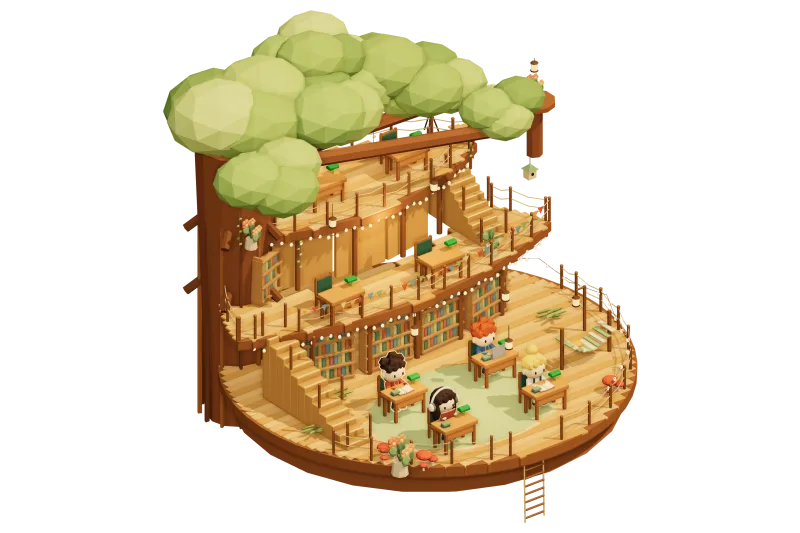
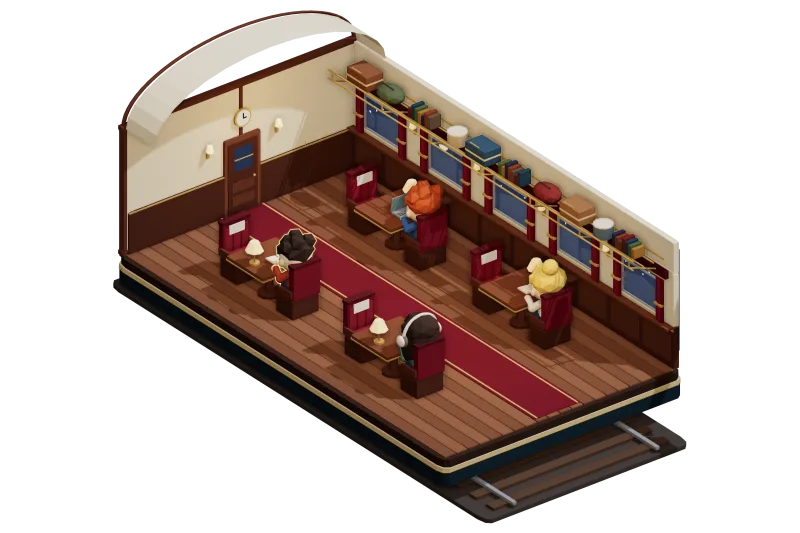
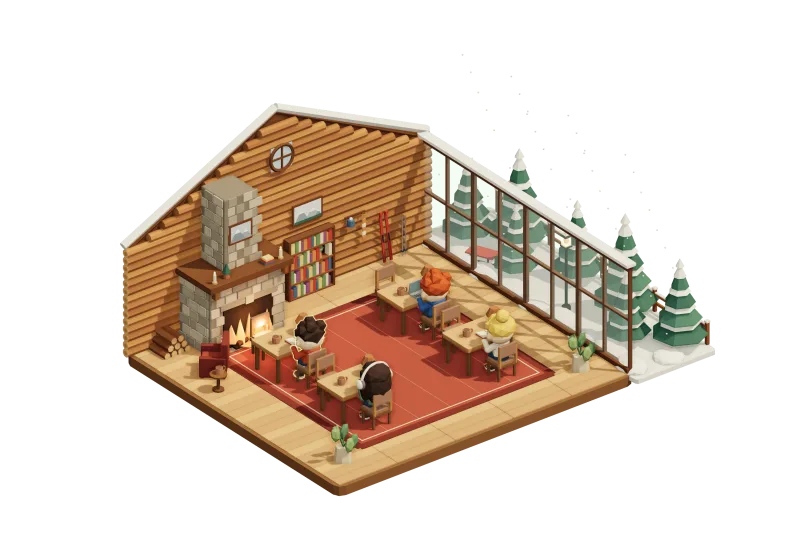
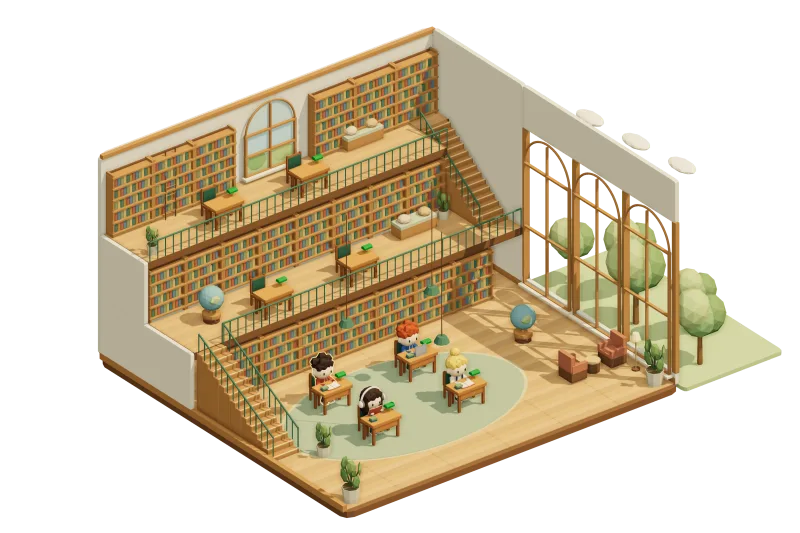
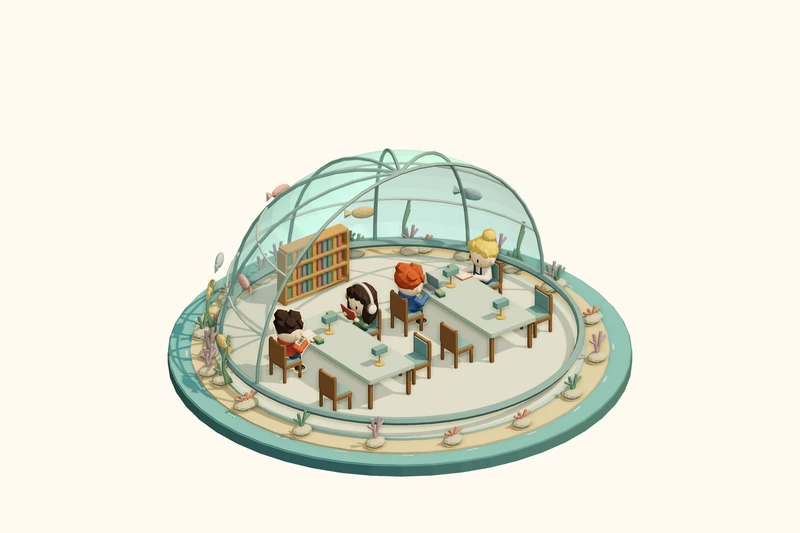
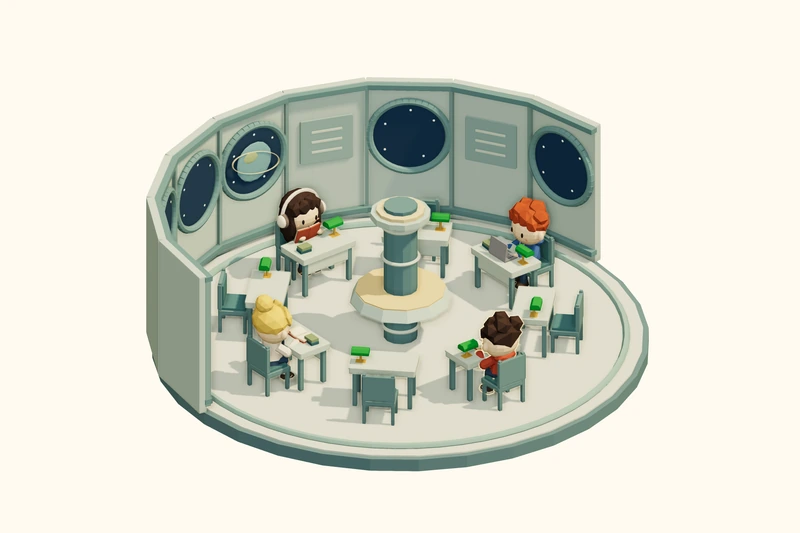
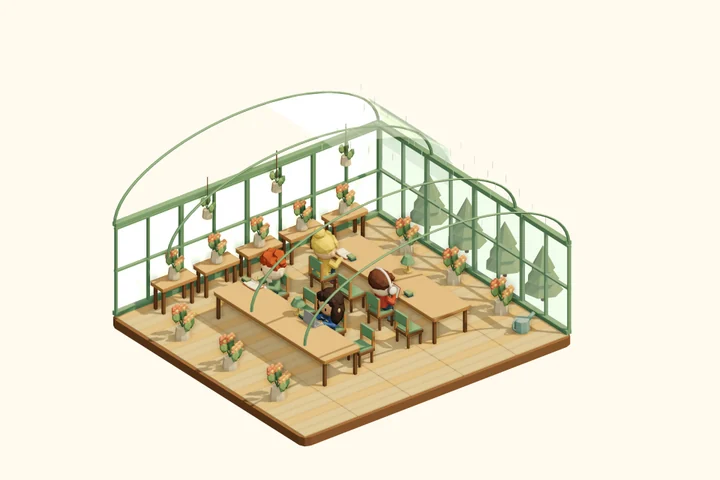
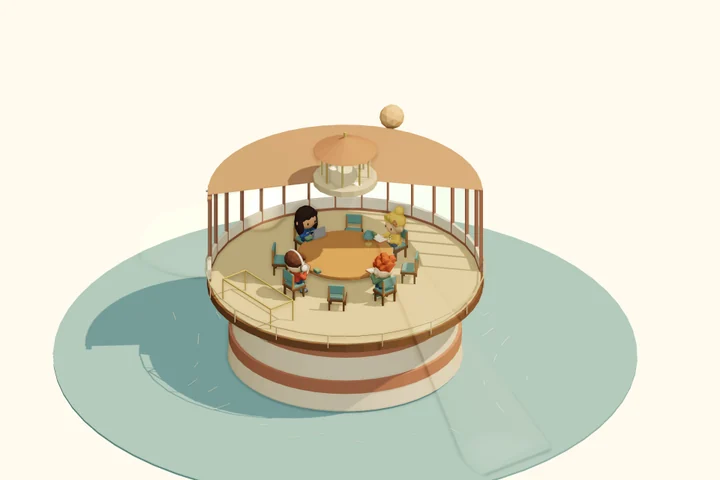
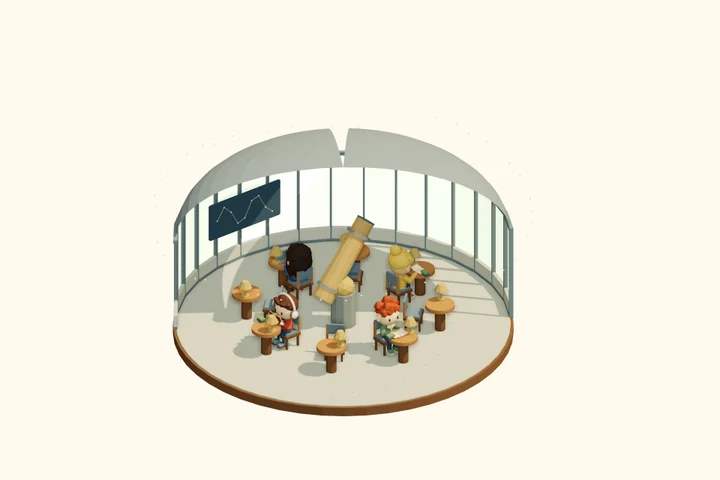
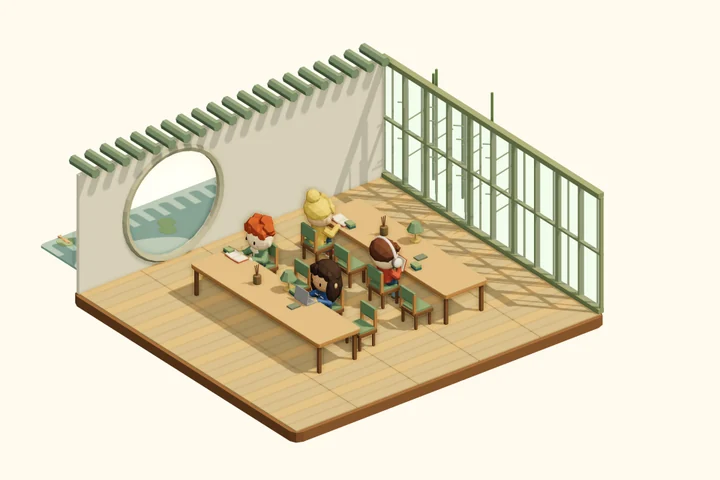
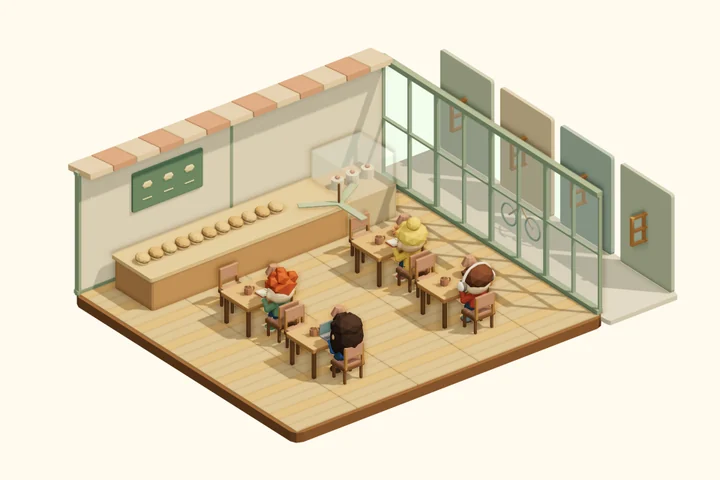
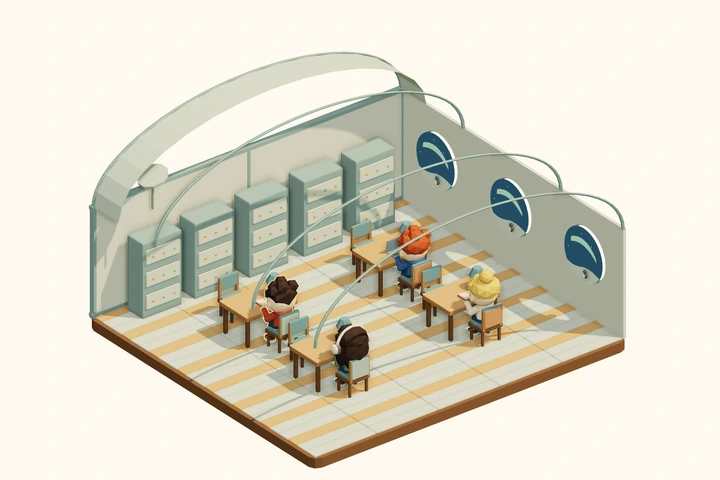
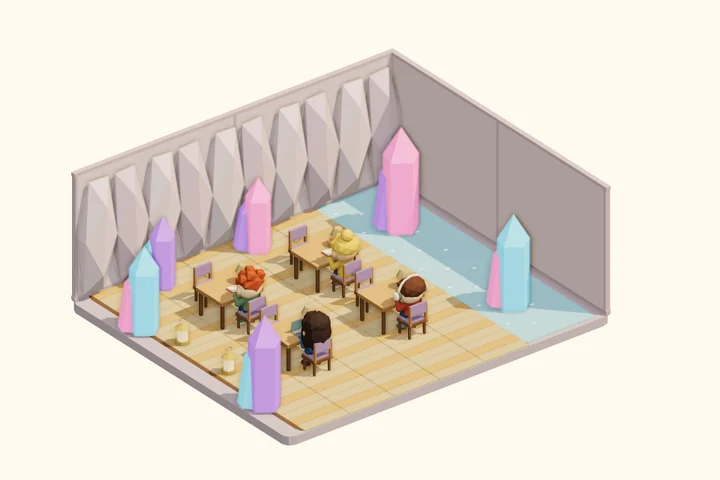
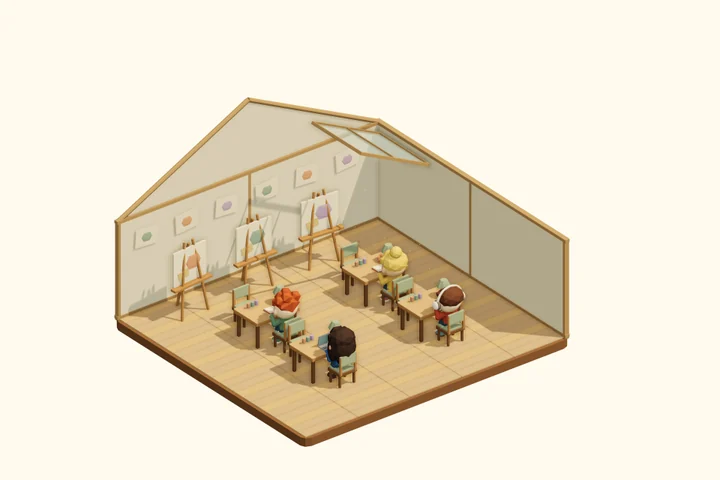
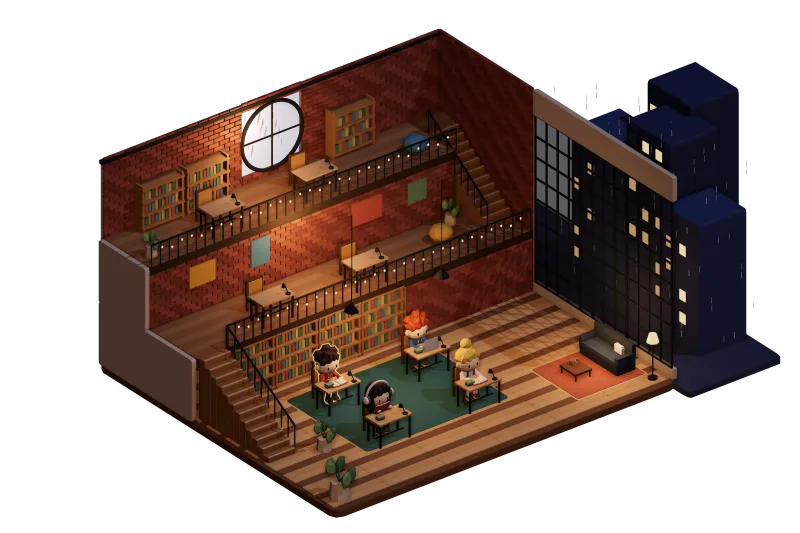
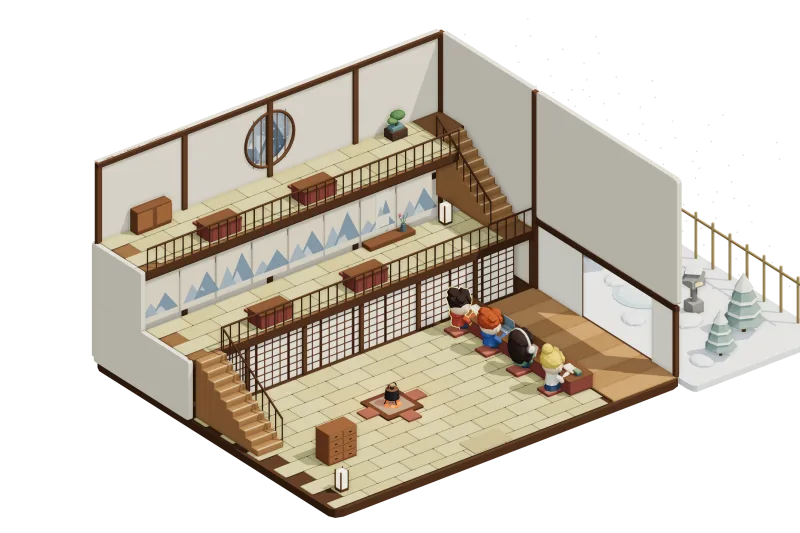
Undersea DomeSpace ShuttleGlasshouse

Works in the browser on laptops, Chromebooks, iPads and phones. Nothing to download.

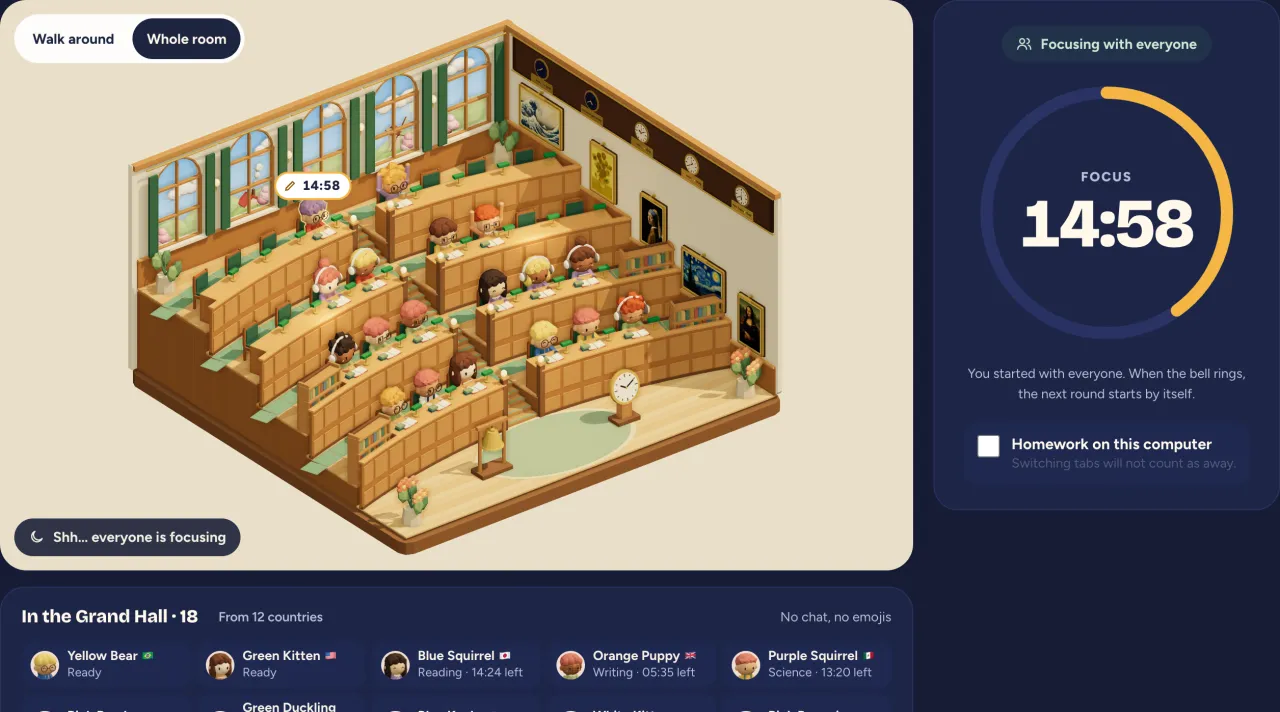
The Grand Hall: 28 students studying side by side at long tiered desks, with famous paintings and world clocks on the wall
Two ways to study

Two doors. Pick one.

Both are free, with no sign-up, no camera and no chat box. The only difference is who you study with.

Grand Hall

Who can come in
Anyone can sit down
How many
28 desks; when it’s full, the next hall opens
The timer
A bell at :00 and :30: everyone focuses for 25 minutes together
What people can do
No chat, no messages. The only thing anyone can leave you is one of four friendly marks on a desk
Best for
Studying on your own, with company
Join the Grand HallSee the Grand Hall

Private room

Who can come in
Only people with your room code, after you let them in
How many
Up to 8 people
The timer
You set the timer and start together
What people can do
No chat, just 8 emojis
Best for
Studying with classmates and friends
To keep it
Make a room a squad: it’s still there tomorrow, and its light comes on each day someone studies

Open a private roomFour steps to open one

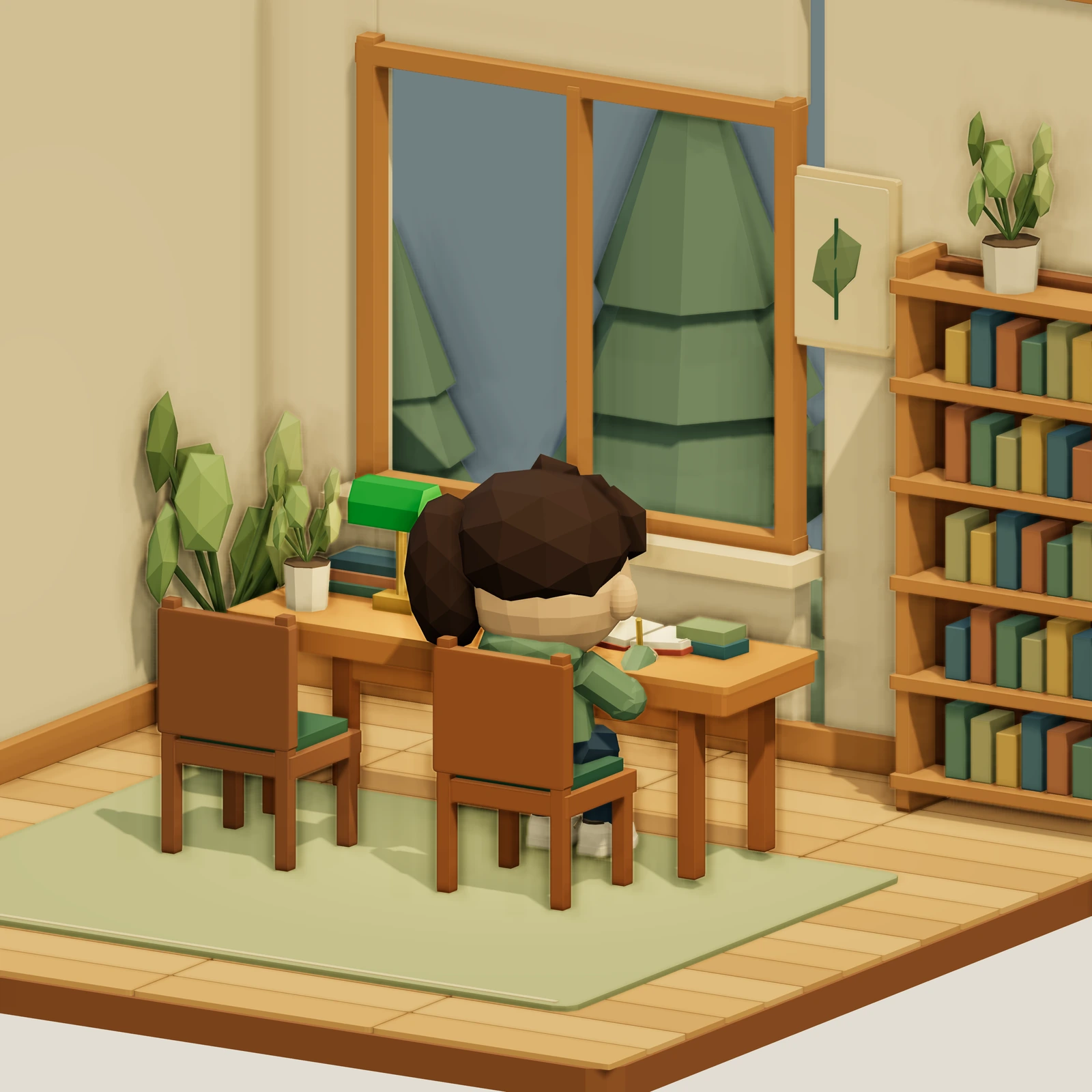
A student, seen from behind, studying alone at a desk in the evening
Why Shhquad

Homework, alone.

At school there are twenty friends. At home, a workbook.

“Can we study together tonight?”

Someone beside you

We go to libraries not for the quiet, but because someone else is working too. Studying together doesn’t need talking. You just need to know your friends are studying too.

The Grand Hall

Someone is always studying with you

Studying at home doesn’t have to mean studying alone. The Grand Hall has 28 desks, filled by students from around the world who are studying right now. You don’t need to know anyone, and nobody can talk to you: everyone just sits together and follows the same bell.

  • No sign-up
  • No chat, no messages
  • Hide your flag any time
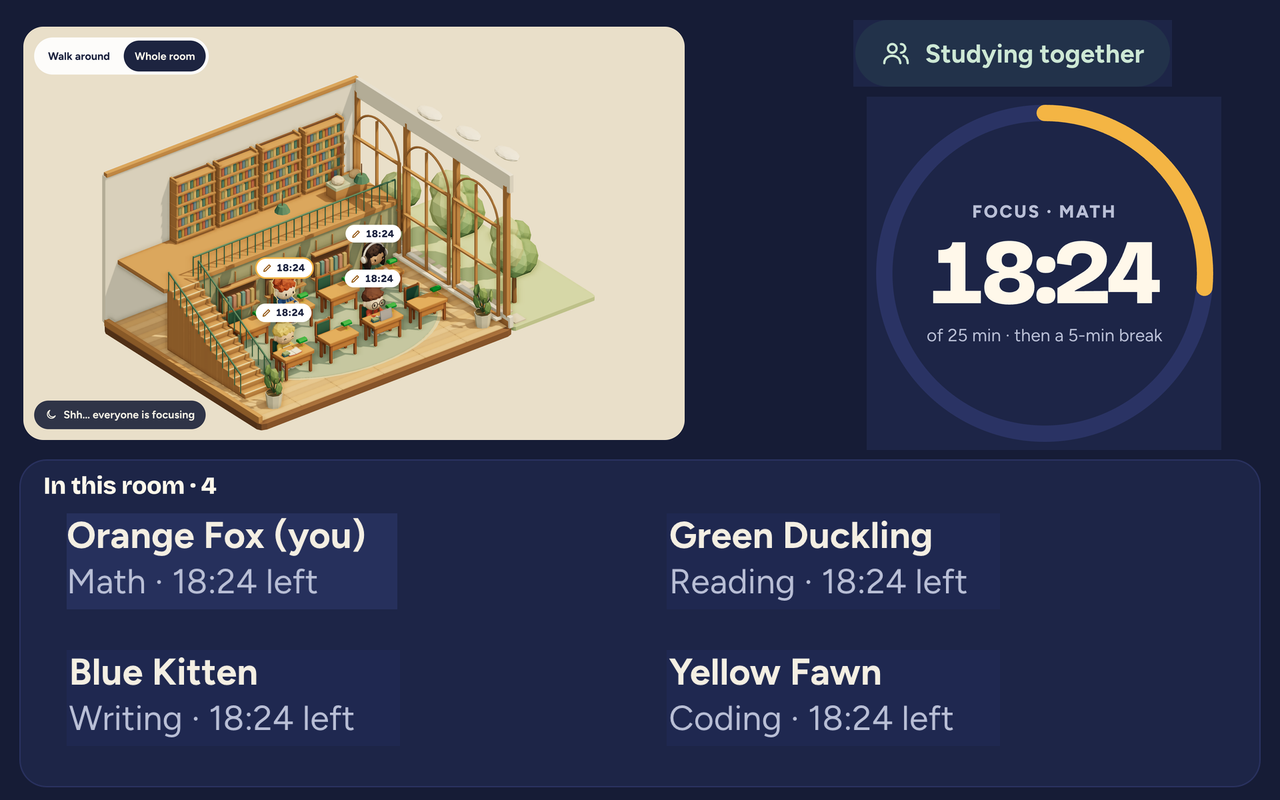
Inside the Grand Hall: students at tiered desks, a list of who is here with a small flag for each country, and a timer that follows the bell

Or pick one: Undersea Dome · Space Shuttle · Glasshouse

  1. 1

    Tap “Join the Grand Hall”

    You sit down at a free desk. First time here? You get a character to start with, and can change it later.

  2. 2

    Follow the bell

    A bell rings at :00 and :30. Everyone focuses for 25 minutes, then rests for 5. No timer to set, nothing to press.

  3. 3

    See where everyone is from

    A small flag sits next to each name, and world clocks on the wall show the time everywhere. The sky outside the windows follows your own local time.

Safety

Behind either door, nobody can reach you

In the Grand Hall you sit near people you don’t know, but nobody can say anything to you: no chat, no real names, only a friendly mark left on a desk. A private room is stricter still: a friend types your 4-letter room code and knocks, and someone inside has to let them in.

  • No chat box
  • Eight emojis only
  • Made-up names: a colour + an animal
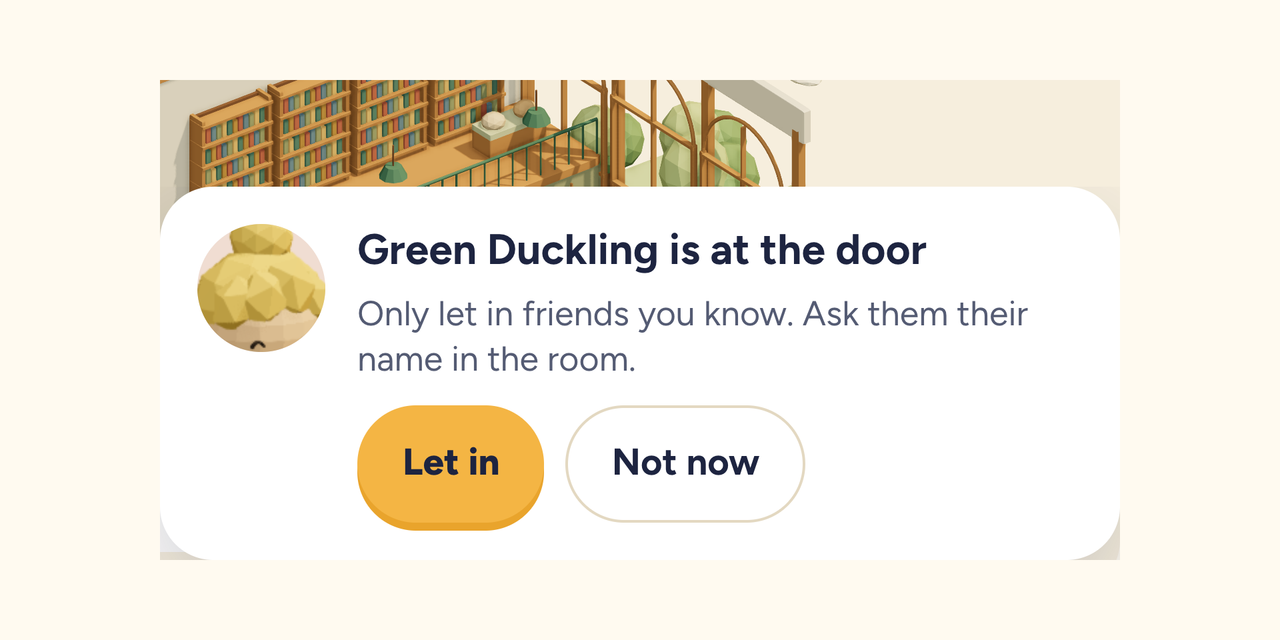
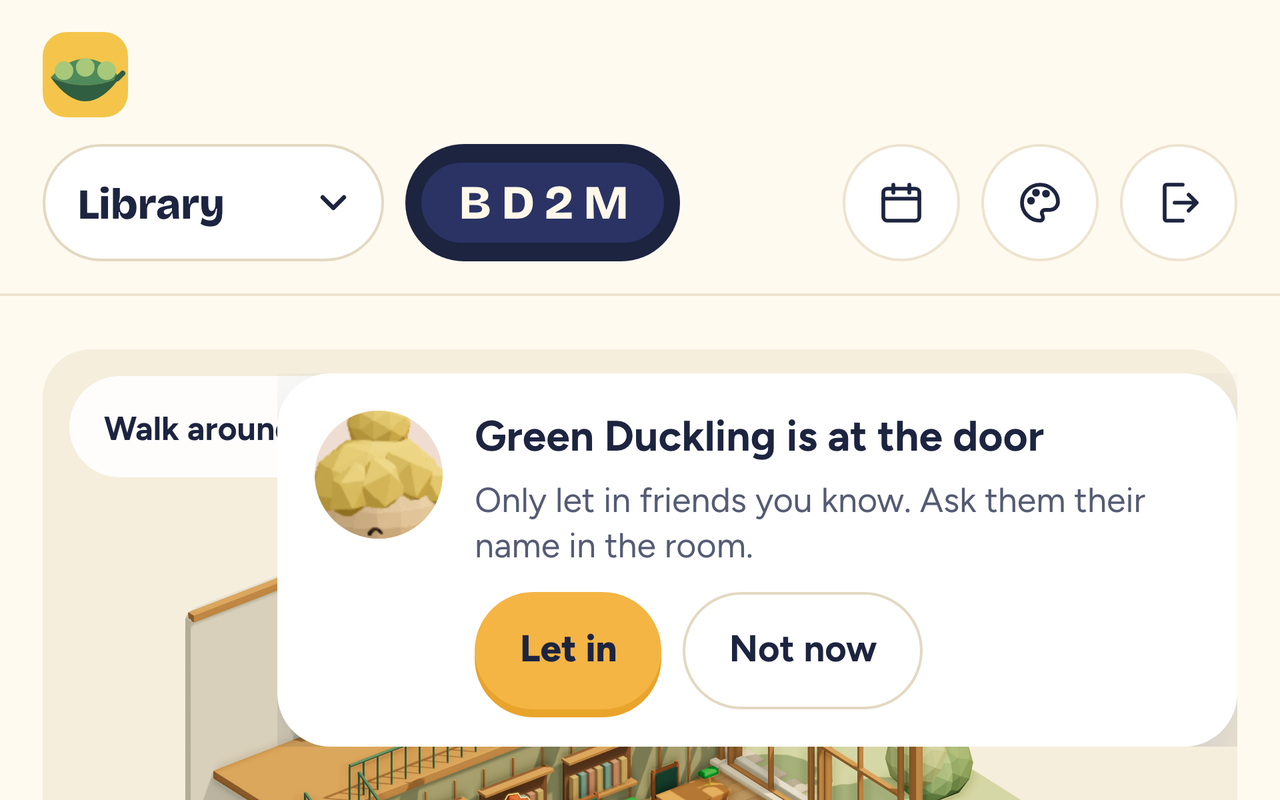
The knock card you see: someone is at the door, with Let in and Not now buttons
  1. 1

    Type the room code

    Four letters and numbers, shared by a friend.

    BEAR
  2. 2

    Knock

    You see who is going to open the door. Don’t know the name? Don’t wait.

  3. 3

    Someone inside lets you in

    No yes, no entry.

Private room

Four steps to open one

Everything happens in the browser. No download, no account, just a room code.

  1. Step 1, Make yourself: screenshot of the Shhquad app
    01

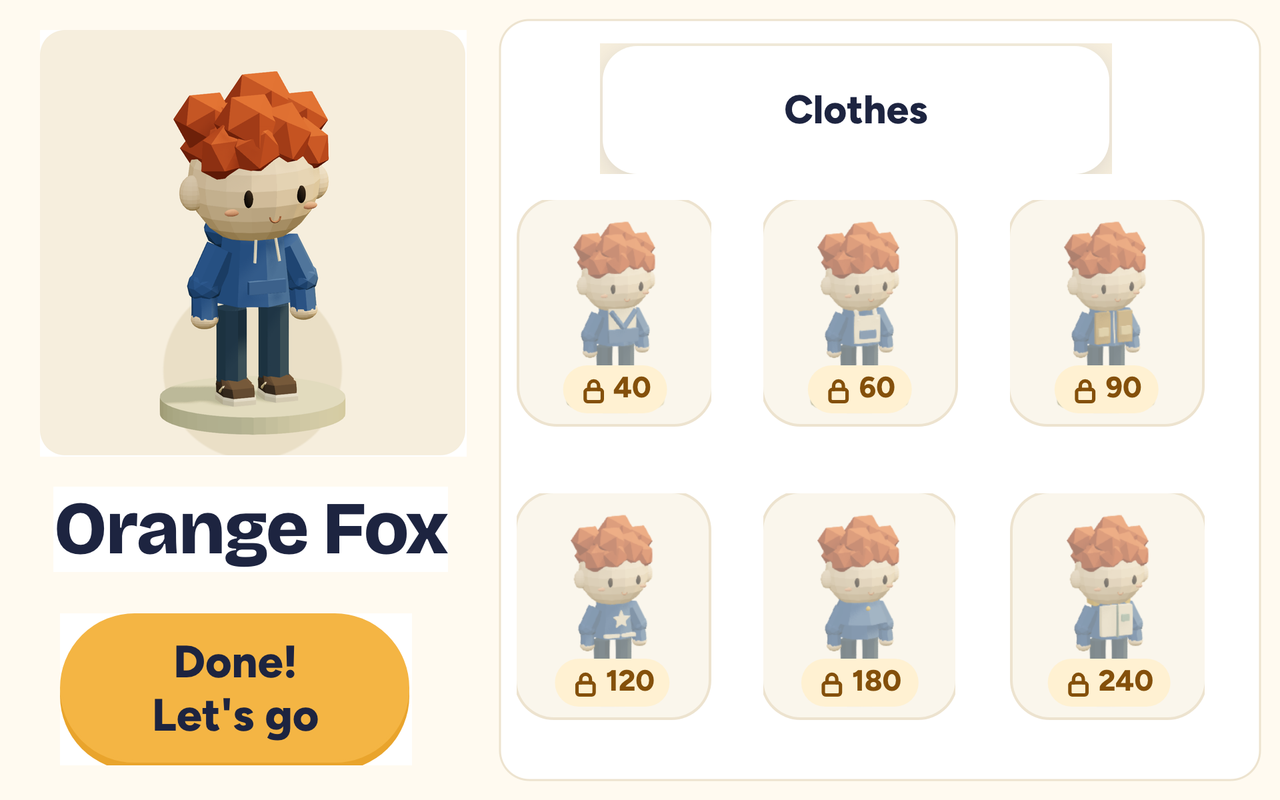
    Make yourself

    Hair, clothes, glasses, headphones. Ten things to change.

  2. Step 2, Pick a place: screenshot of the Shhquad app
    02

    Pick a place

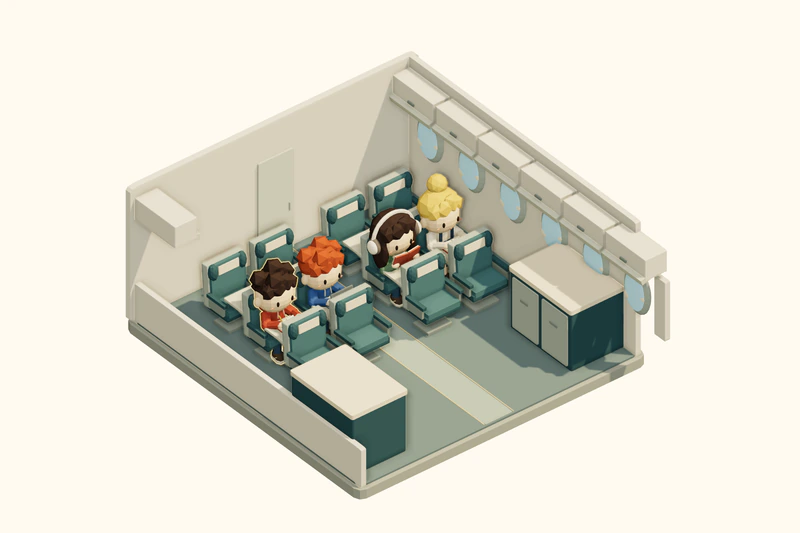
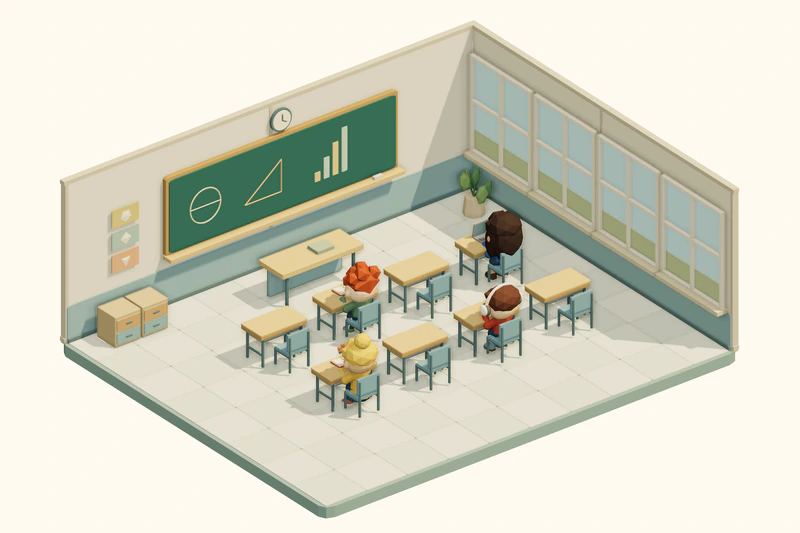
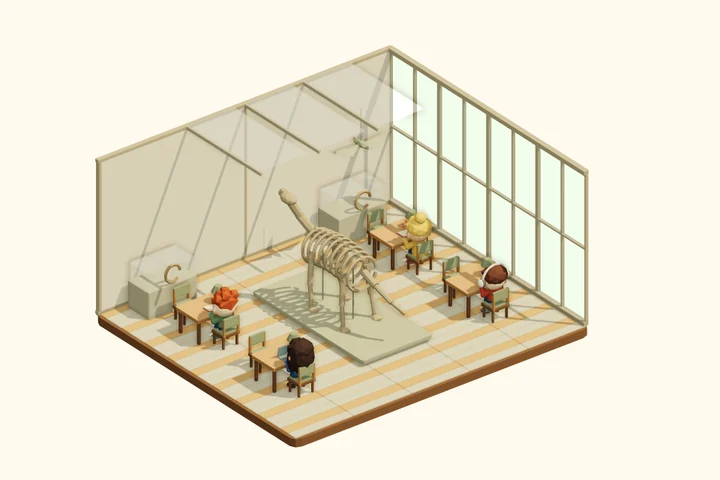
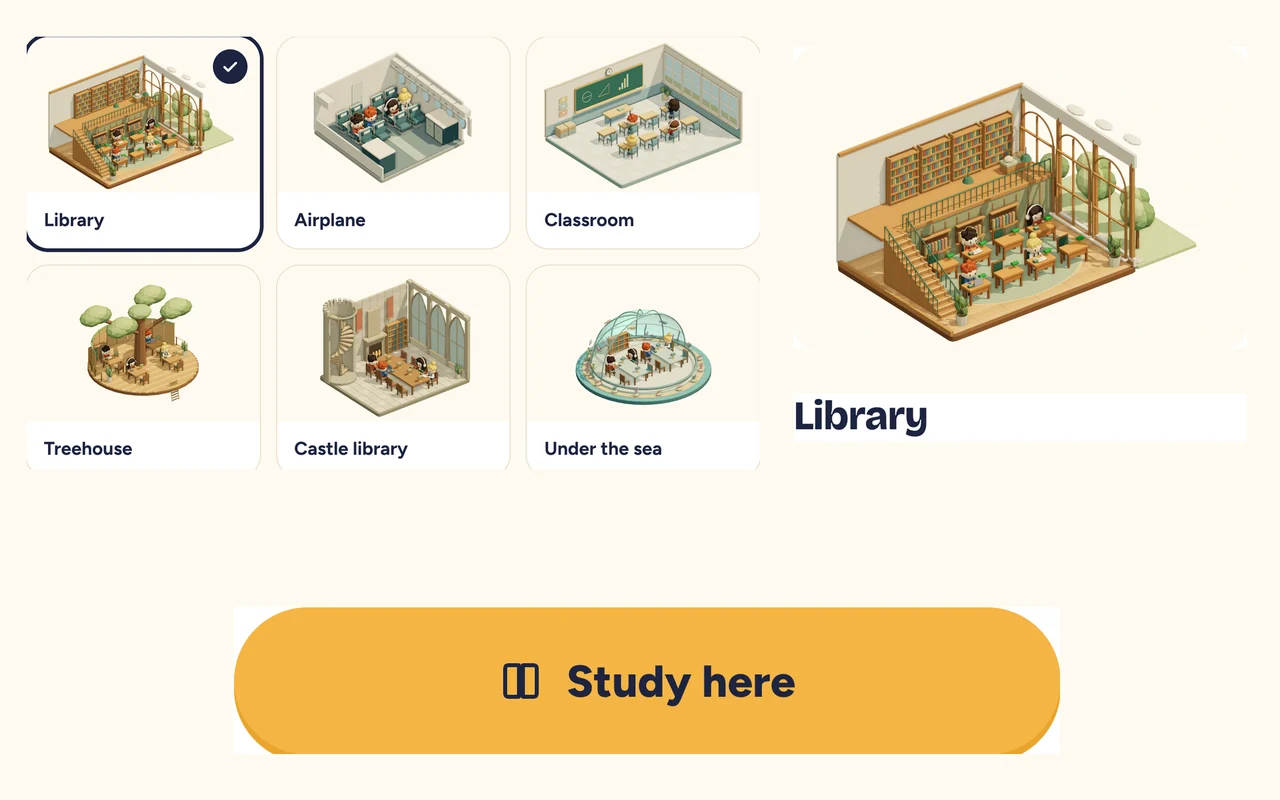
    A library, an airplane, a classroom, and sixteen more.

  3. Step 3, Share the code: screenshot of the Shhquad app
    03

    Share the code

    Send your friends the 4-letter room code. Up to 8 in a room.

  4. Step 4, Study together: screenshot of the Shhquad app
    04

    Study together

    See who’s doing maths, who’s reading, and how many minutes are left.

In the room

Together, and gently kept on track

Shhquad nudges. It never nags, and nobody gets told off.

  • Start together, break together

    One tap starts the whole room at once. When time’s up, everyone takes the break together.

  • Wander off, fall asleep

    Away for more than 30 seconds and your character falls asleep at the desk. No points lost, no telling. That time just doesn’t grow flowers.

  • Homework on this computer

    Tick “Homework on this computer” and switching tabs doesn’t count as wandering off.

  • My rooms

    Rooms you’ve used are saved on your device. Tap to go back. Friends still knock.

Places for a private room

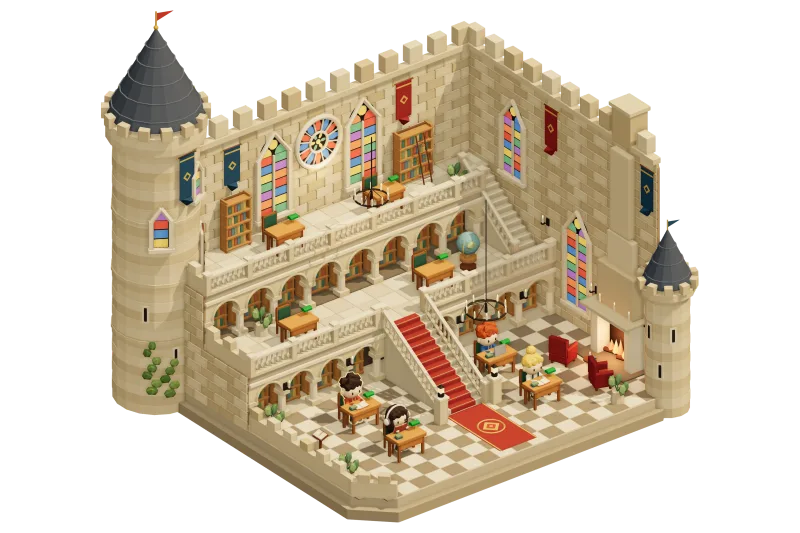
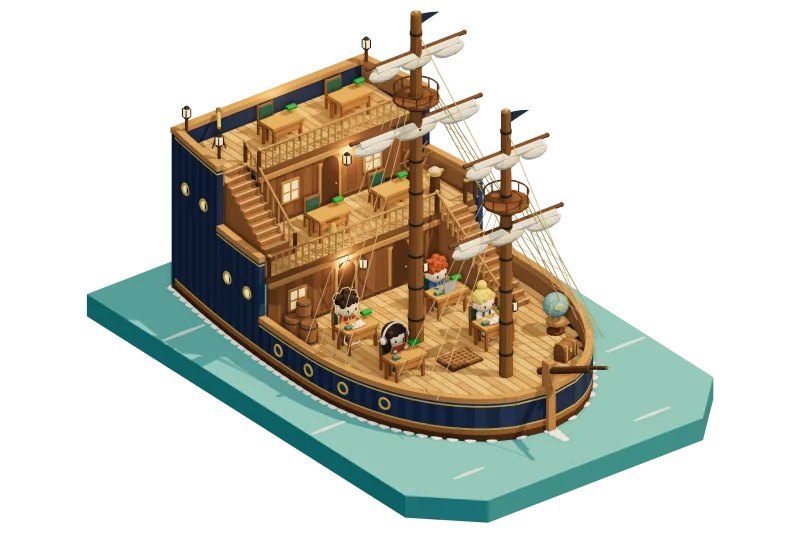
Twenty-one places to study

All twenty-one are open from the start. Nothing to unlock.

Rewards

Not a scoreboard

Every focused minute grows one flower. Flowers unlock clothes and accessories. That’s the whole system.

Focused minutesFlowersClothes, accessories

  • No buying flowers

    They only grow when you focus.

  • No rankings

    Nobody is compared with anybody.

  • A private study calendar

    One square a day, with minutes by subject, kept on this device. It only leaves it if you make a move code or save an email backup.

Videos

Nobody free tonight? Study along.

Study-with-me sessions and classroom timers, set in these same rooms. Press play and work until the bell.

Timers

Just need a timer?

Free timers that work on their own, no room needed. Add the sound of rain, a fireplace or a café, or go full screen for a classroom board.

FAQ

Questions people ask

Is it free?

Yes. There are no ads and nothing to buy. Flowers only grow when you focus.

Do I need an account?

No. Everything works without signing up, and your progress stays on your device. To keep a backup, save it with your own email if you’re 14 or older; if you’re younger, a grown-up saves it with theirs. We never ask for your name.

Do I need a camera or microphone?

No. Shhquad never asks for either. Each person is a small 3D character at a desk.

Who is it for?

Students of any age who want to study next to friends they already know: homework after school, exam revision, university assignments. Younger students can use all of it too; under 14, with a parent’s or carer’s OK (what parents should check).

Which devices work?

Any modern browser: laptops, Chromebooks, iPads and phones. On phones and tablets the 3D rooms are drawn a little lighter so they stay smooth.

What if we switch devices or clear the browser?

Use a one-time move code (it works for an hour), or the email backup. On iPad and iPhone, add Shhquad to the Home Screen: Safari can clear data of websites you haven’t opened for about a week.

More questions and answers

New to studying with friends online? Read how to set up a virtual study room. Looking for something specific? See online study rooms with no sign-up, camera-free study rooms, or how the main study rooms compare.

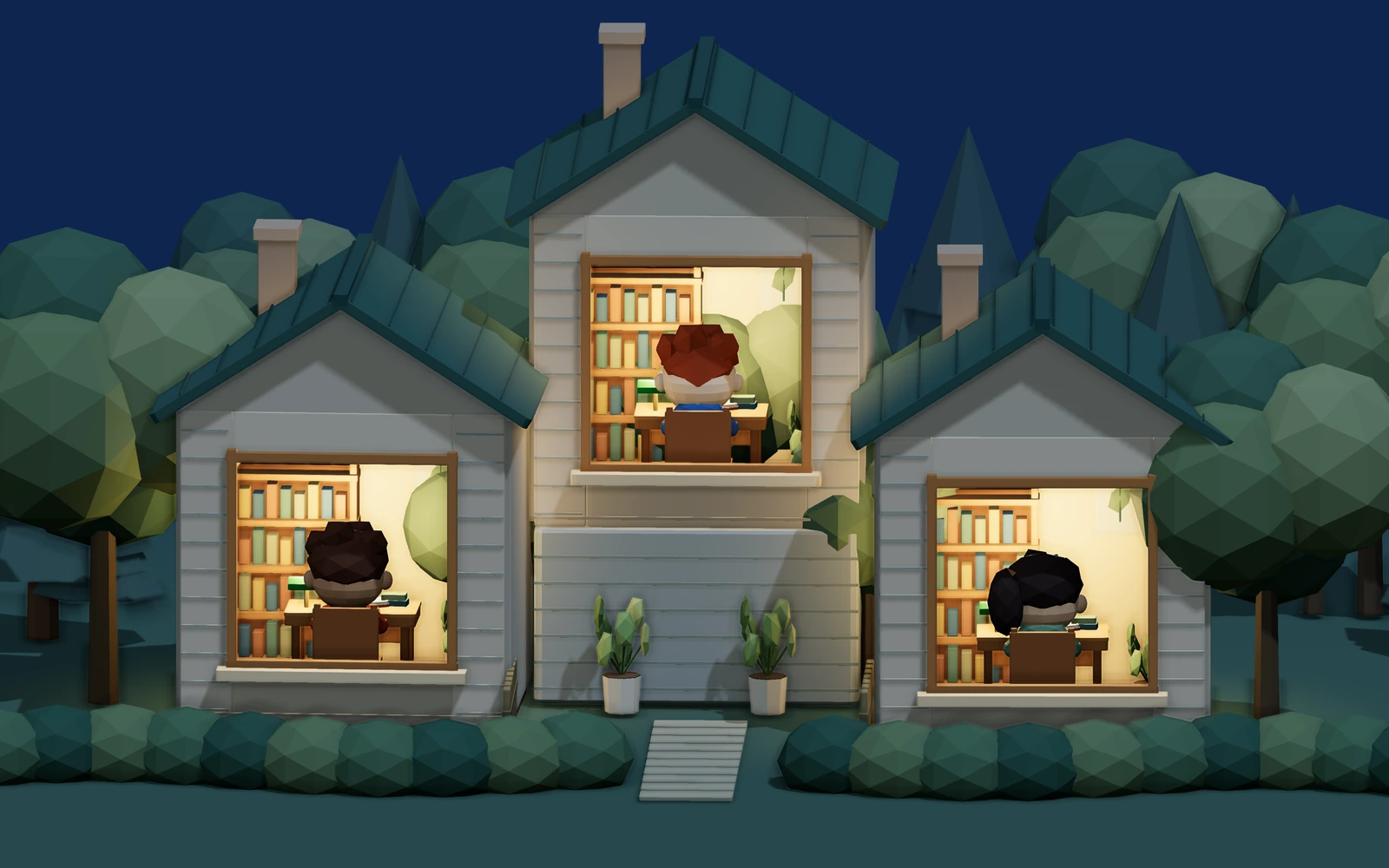
Three lit windows in three houses at night, a student studying at a desk in each

Same evening. Three desks. One study room.

Tonight, study with friends.

Open the study room Free. No sign-up. Works in the browser. To pick up where you left off on another device, save your progress with an email.